Hair Clippers in Store: 7 Checks Before You Buy
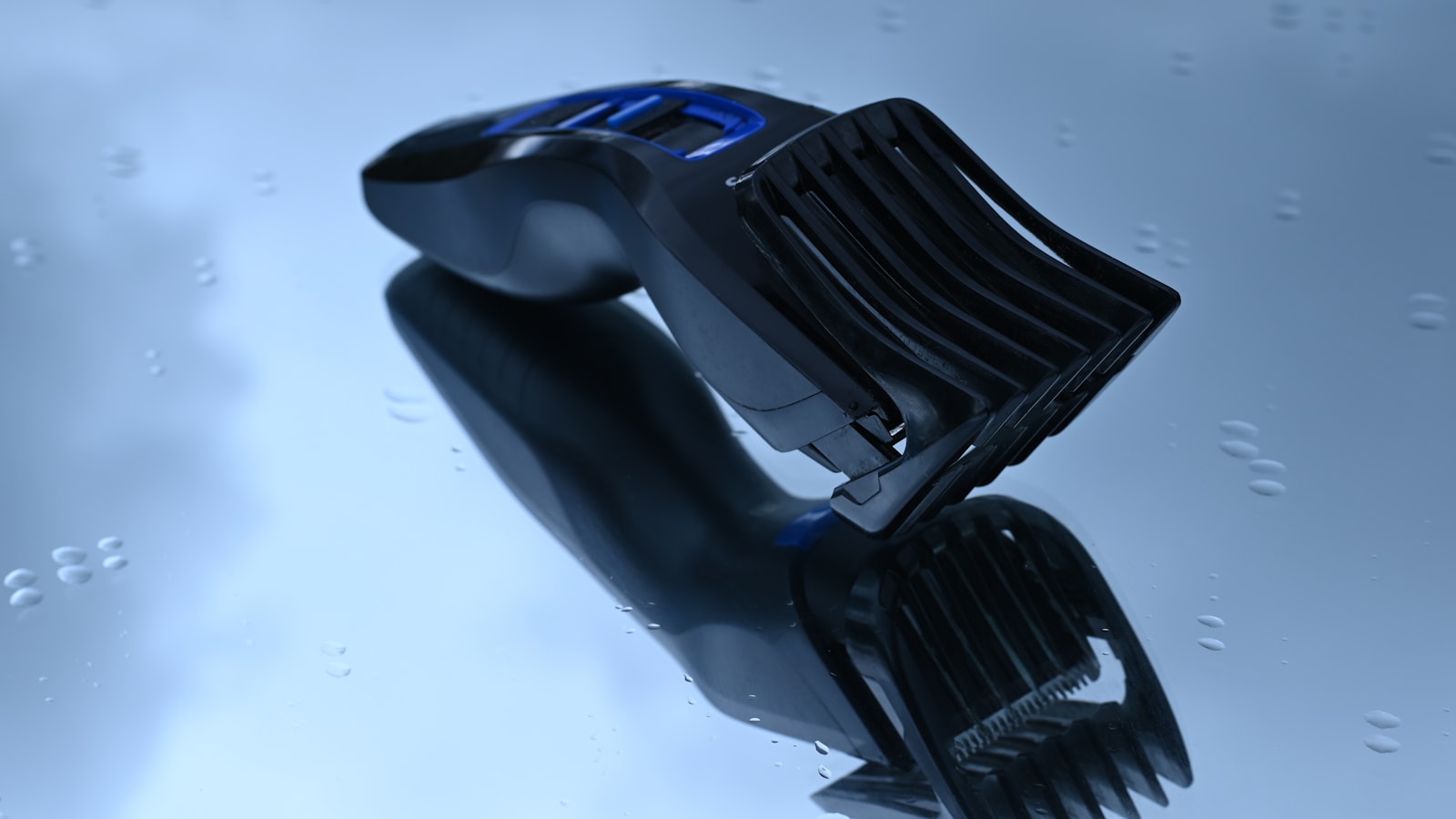
Photo by Andres Siimon on Unsplash
Key Takeaways
Buying hair clippers in-store? Don’t trust the demo cut—run these 7 critical checks first to spot hidden problems before they become yours to fix. The top failure points—uneven cutting, blade pulling, and early motor burnout—all announce themselves early if you know where to look.
The biggest mistake shoppers make is assuming the clipper they see humming away will cut the same way once it’s yours. But demo clippers get fresh blades, timed oiling, and a warm-up run—none of which reflect store-floor reality. Blade gap, motor condition, and battery health can all pass the demo while failing under real hair. Skip these checks and you’ll learn the hard way when the first snag happens mid-cut.
You don’t need tools or a manual for most tests. A quick blade drag test with your fingernail catches misalignment before you pay. Motor noise should stay steady and even—any growl, stutter, or sudden pitch change telegraphs trouble. For cordless models, run the battery to empty and watch how the clipper performs; for corded, a multimeter check of power draw exposes hidden issues that overheat motors before the cashier’s smile fades.
If the store won’t let you test the clipper, walk away. Refusals usually mean the unit’s already been flagged for blade wear, motor noise, or battery defects—issues the staff won’t admit, but the warranty won’t cover anyway. A refusal is the loudest red flag on the floor.
Why In-Store Testing Beats Online Reviews
Reviews on the web paint a perfect picture: the clipper you’re eyeing is the best choice, the motor never overheats, and the blades stay razor-sharp forever. But those glowing write-ups describe how the machine should work—not how it actually behaves on your hair type, in your grip, or under your cutting rhythm. The real test happens in the store, where you can feel blade resistance, hear motor strain, and watch edge quality on a pass that matters.
Two failures account for most of the complaints you’ll see online: blade misalignment (the cutter skips or leaves lines) and motor overheating (the smell, the shutdown, the melted plastic). Neither shows up in a brief demo on synthetic hair. Sales staff often use a showroom model—tuned, freshly oiled, and swapped in the moment—so its blades align perfectly and its motor runs cooler than the unit you’ll take home.
Ask to test the exact clipper you intend to buy, not the display copy. Run it on a patch of your own hair or a piece of the fabric you’ll cut most often. It’s the only way to:
- Hear whether the motor growls under load
- Feel whether the blade grabs at the ends
- See the taper that online photos promise but owner reports brag about skipping
Where to run the test matters. A store’s grooming station gives you space to hold the clipper, a mirror to watch the stroke, and quiet enough to catch the first whine of an overworked motor. If the staff directs you to a busy aisle, insist on a corner where you can let the clipper run for a short time without interruption.
Listen for a smooth hum; if it howls or thrums unevenly, the motor is already working harder than it should. Feel the blade plate after the run—warm is normal, hot enough to sting isn’t. That’s the moment the unit tells you whether it’s a keeper or a repair job in waiting.
The 7 Checks You Must Run Before You Pay
Ever bought a clipper that looked great on display but couldn’t hold a straight line minutes into your first cut? Those hidden failures aren’t random—they’re the same 7 critical points that trip up every home barber. Run these checks before you swipe your card, and you’ll walk out with a machine that does the job instead of something that needs fixing.
| Check | What it tells you | How to do it | Red flag |
|---|---|---|---|
| Blade Gap and Alignment | Tests whether the blade cuts cleanly or pulls, drags, and leaves lines | Hold the clipper empty and off. Close the blades until you hear the first faint chirp of metal contact, then open them one click. Run the blades over your thumbnail: they should glide without snagging. With the clipper running, press the blades lightly against a flat surface—no lines, no skips. | Lines appear, the clipper chatters, or the cut feels uneven |
| Motor Noise and Heat | Tests if the motor is healthy or already overheating and weakening | Turn it on and listen: a healthy motor should hum steadily; a failing one growls or thumps. Hold the back half of the clipper with fingertips—if you can’t hold it for a short time because of heat, skip it. | Growling, thumping, or heat that forces you to stop quickly |
| Battery Life and Charge Hold | Tests whether the battery holds a charge or dies mid-cut | Charge fully, then run it until it stops. Count the minutes. Fully recharge, then run it again immediately. | Runtime drops noticeably on the second cycle |
| Blade Sharpness and Edge Condition | Tests whether the blades cut or rip and pull hair | With the clipper off, run a fingernail lightly across the cutting edge. If it snags or pulls, the blades need sharpening. With the clipper running, press the blades against your thumbnail—clean, even shavings should fly off without pulling. | Hair clumps under the blade or pulls instead of cutting cleanly |
| Guard and Blade Compatibility | Tests whether the guards actually fit and lock, or wobble and leave gaps | Clip the longest guard on the clipper, then try to wiggle it side to side. It should seat flush with no play. Hold the clipper flat on a table and press down—if the guard lifts or the blade shifts, the fit is wrong. | Guard rocks, blade sits unevenly, or teeth don’t align |
| Power Draw and Stability | Tests whether the power cord or switch will cut out mid-clip | Plug it in and run at the highest setting. Hold the cord where it meets the clipper and wiggle—if the power cuts or the motor stutters, the switch or wiring is failing. | Power drops, stutters, or cuts out when you move the cord |
| Owner Manual and Warranty Access | Tests whether you can service it later or are stuck with an orphan | Check the box for the manual—if it’s missing, ask for a digital copy from the store. Look up the warranty URL on the brand’s site while you’re there; if the model isn’t listed, the warranty is useless. | No manual, no warranty listed, or the store can’t provide a digital copy |
How to Test Blade Gap and Alignment in 30 Seconds
 Photo by Stone Hood on Unsplash
Blade problems hide in plain sight. The demo cut on the store shelf looks sharp, but minutes into your first real cut, you’ll notice uneven lines, pulling, or the blades mowing instead of slicing. Those failures aren’t random; they’re symptoms of two things you can spot in under a minute: a blade gap that’s too wide or too narrow, and blades that are out of true.
Here’s the diagnostic—the same one we use in our service bay. Grab two sheets of printer paper, fold one in half lengthwise, and use the folded edge as your gauge. It’s consistent, repeatable, and won’t vary by brand or model.
1. Check the Gap While the Clipper Is Off
Slide the folded edge between the closed blades while the clipper is OFF.
- Snug fit, no forcing: the gap is correct. The blades are close enough to shear hair cleanly, but not so close they drag or squeal.
- Slides through too easily: the gap is too wide. The clipper will leave uneven lines because the blades can’t trap and cut individual hairs—they ride over them instead.
- Jams or resists: the gap is too narrow. The blades are biting too aggressively, tearing instead of cutting, and wearing unevenly.
2. Run the Clipper Over the Folded Edge While ON
Turn the clipper ON and run the folded edge along the teeth of the moving blade. Listen for the tone.
- Clean snap: the blades are sharp and aligned. You’ll hear a consistent metallic click as each tooth passes the paper.
- Scraping or grinding: the blades are dull, misaligned, or both. The sound changes to a rougher tone—the telltale sign of a blade that’s no longer slicing, just gouging.
3. Spot Blade Skew in One Glance
Hold the clipper horizontally, at eye level, and look down the length of the blades. Rotate the clipper slowly—you should see an even sliver of light between the stationary and moving blades along their entire edge.
- Even light across the blade: alignment is solid. The moving blade tracks the stationary one everywhere.
- Wider gap on one side: the blades are skewed. You’ll see more light on one end than the other, and your cut will start clean but finish rough—perfectly straight lines will give way to uneven strokes.
4. Map the Symptoms to the Fix
Use the cheat sheet below to diagnose what you just felt and heard:
| What you felt or saw | Likely cause | What to do next |
|---|---|---|
| Blades glide over paper too easily | Gap too wide | Don’t buy—return the clipper. A wider gap means uneven cuts from day one. |
| Blade jams or resists paper | Gap too narrow | Same verdict: skip it. A narrow gap causes pulling and premature wear. |
| Clean snap, even light | Gap and alignment correct | Pass—this clipper is worth the price tag. |
| Scraping or grinding noise | Blades dull or misaligned | Ask the store about sharpening or blade replacement before buying |
The Motor Noise and Heat Check: What to Listen and Feel For
Don’t let a quiet demo fool you. The motor’s health hides in the noise it shouldn’t make and the heat it shouldn’t reach. Run this test on a thick scrap of fabric or folded towel, and you’ll separate clippers that run clean from those destined for your workbench before you even pay.
Run the clipper for a short time on a tough fabric. A healthy motor hums steadily, like a distant idling engine. Any whine, grinding, or high-pitched squeal isn’t just annoying—it’s the sound of wear or misalignment giving way. The moment you hear it, the failure has already started.
After a short run, feel the motor housing. A normal clipper warms up to “hand-hot”—the kind you can grip for a few seconds without flinching. If it’s too hot to hold comfortably, the motor is overheating under load. That’s a red flag for clippers where cheap components overheat fast and lose lifespan.
Check the air vents before you walk away. Clogged vents force the motor to work harder, which speeds up wear and pushes heat into the housing. Use the store’s canned air (if they have one) to blow out hair and dust—do it yourself if they won’t. A clean path for airflow is the difference between a clipper that lasts and one that stalls mid-cut.
Quick reference: What to listen for, and what it means
| Sound or feel | Likely cause | What to do |
|---|---|---|
| Steady hum | Healthy motor under load | Move to the next check |
| High-pitched whine | Worn bearings | Skip this model |
| Grinding or rattling | Debris in gears or misalignment | Put it back on the shelf |
| Too hot to hold quickly | Overheating or clogged vents | Check vents, then skip |
| Clogged vents with hair/dust | Motor straining | Clear them or reject the clipper |
Why this matters more than RPM or volts None of the numbers on the box tell you how the motor feels under real use. A high RPM spec might hide poor cooling design, and a long runtime claim won’t save you from a motor that seizes when it hits thick hair. The only spec that matters is how it performs when you test it yourself—because the numbers you can’t see are the ones that break first.
If the clipper passes all three checks—steady hum, cool enough to touch, and clear vents—it’s ready to take home. If it fails any one, the motor has already started down the path to a costly repair or early replacement.
Battery Life and Charge Hold: How to Spot a Lemon in 60 Seconds
Before you trust the sticker on the box, run a quick endurance test that exposes the real battery state. Fully charge the clipper at the store’s charger (yes, verify it’s the supplied charger, not a third-party brick), then flip it on and let it run continuously—no pauses, no light loads—until it shuts off automatically. Time the run with your phone. If the clipper dies well before the listed runtime, the battery has degraded and won’t hold a full session later.
Recharge the clipper fully and run it again for a set period. Unplug it, open the battery compartment if possible, and check the voltage with a multimeter set to DC volts (red lead to the positive terminal, black to negative; if you don’t have a meter, skip this step—the next check covers you). A fresh pack should hold within a reasonable range after discharge. Any steep drop signals a weak cell that will cut sessions short or quit mid-cut.
While you’ve got the compartment open, look inside: swollen cells are an immediate disqualifier. A bloated battery isn’t just a runtime killer—it can rupture, warp the housing, or corrode the contacts. Also brush your fingers over the metal terminals; corrosion or pitting means the clipper was stored damp or the contacts weren’t cleaned, and that moisture might have already crept into the motor. Either issue voids most warranties, so you’d be buying a repair ticket along with the clipper.
Run a short charging test too: plug the unit back in and watch the charge indicator. If the light crawls instead of jumping straight to “charged,” the charging port is worn or the internal circuit is failing.
Here’s your quick symptom cheat sheet:
- Short runtime → battery degradation
- Sudden shutdown → battery or charging circuit failure
- Slow charging → worn charging port
The runtime figure you see on the box or spec sheet isn’t a fixed number—it’s a range shaped by hair thickness, guard choice, and room temperature. The only honest way to judge battery health is the in-store test: fully charged, continuous run until shutdown. If the unit can’t clear that hurdle, walk away; no coupon or sale price will fix a dead battery later.
Which Type Fits Your Cutting Style?
Fine or thin hair snags in blades with wide gaps—avoid the frustration of a clipper that pulls when it should glide. Look for a model marketed for precision cuts or fade work; its narrow blade gap and sharpened edges keep snagging at bay. The spec that matters here is blade gap tolerance—the smaller it is, the less bulk the clipper catches. Skip the marketing jargon and check the product page for that tolerance figure.
Coarse or curly hair
Thick strands need space to move through the blades without jamming the motor. Prioritize clippers with strong motors and wider blade gaps—avoid anything marketed as a “thinning” or “edging” tool, since those sacrifices cut quality for control. The critical test is motor type: rotary motors handle resistance better than pivot motors in most cases. If the motor stalls under load, the gap is too narrow for your hair type.
Long sessions (30+ minutes)
Heat and noise build up fast when the motor fights your hair. Choose a clipper with low heat output and stable power draw—vent placement and motor design decide this, not brand. Run your thumb along the vents (if they’re exposed) and listen for a smooth hum. Any high-pitched whine or rapid heating means the motor’s struggling. Rotary motors often run cooler than pivot types, but check the vents’ clearance—blocked air paths trap heat.
Travel or occasional use
Battery life and portability matter more than raw power. Prioritize clippers with durable batteries and compact designs—look for models with guard storage built into the handle. The battery’s chemistry (lithium-ion over nickel-metal hydride) and capacity (check the mAh figure on the spec sheet) decide runtime, but the real test is how the clipper handles after a year of sporadic use. If the battery swells or the charge drops unexpectedly, the manufacturer’s warranty page will tell you whether it’s covered.
The one spec to verify on any product page before paying: blade gap tolerance (look for “gap” or “tolerance” in the specs) and motor type (rotary vs. pivot). Ignore the rest—this is the axis that separates a clipper that works for you from one that fights it.
Customize Your Cut: Blade and Guard Compatibility
The right guard makes the difference between a clean cut and a mess. Blade and guard compatibility isn’t just about length—it’s about how the teeth align and whether the guard locks securely. Here’s how to test it in-store:
- Fit the longest guard and wiggle it side to side. If it moves even slightly, the clipper will leave uneven lines.
- Press down firmly—if the guard lifts or the blade shifts, the clipper’s alignment is off.
- Check the teeth pattern—some guards have staggered teeth for precision, while others have uniform spacing. Match the guard to your hair type:
- Fine hair: Use guards with closer teeth (e.g., #1 or #2) to avoid pulling.
- Thick/curly hair: Opt for wider spacing (e.g., #4 or #5) to prevent jamming.
Pro tip: Ask the store to show you the guard compatibility chart for the model. If they don’t have one, it’s a red flag—they may not service the clipper properly.
Grooming and Personal Care: Beyond the Basics
Most stores treat clippers as a one-size-fits-all tool, but the right model depends on your grooming goals. Here’s how to match your needs:
| Goal | Clipper Type | Key Features to Check |
|---|---|---|
| Precision fades | Rotary with adjustable blade gap | Look for models like the Wahl Extreme Grip Pro or Philips Norelco Oneblade 360 |
| Thick beards | High-torque rotary motor | Prioritize stronger motors (e.g., Andis Master Groomer) |
| Travel-friendly | Lightweight, compact design | Check for built-in guard storage (e.g., Braun MultiGroom) |
| Long sessions | Low-heat motor | Test for ventilation and steady power draw |
Note: Avoid clippers marketed as “all-in-one” for grooming—they often sacrifice cutting quality for versatility.
The Store’s Hidden Costs and Risks
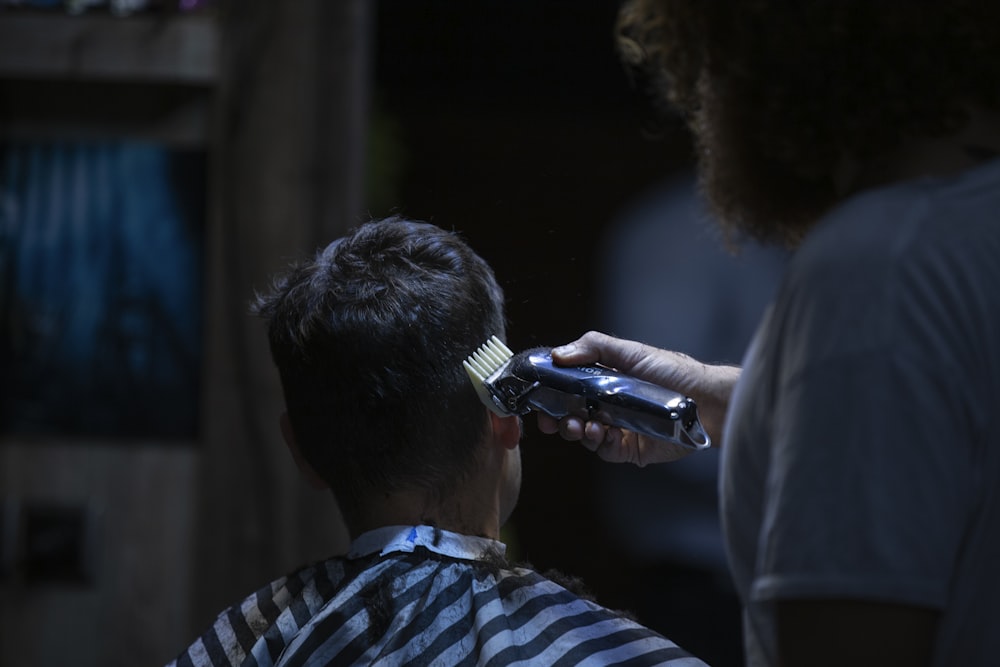 Photo by mostafa meraji on Unsplash
The cheapest sticker price isn’t the real cost—it’s the store’s margin on a clipper that may already be halfway to failure. Buy the wrong store, and you’re not saving money—you’re buying a warranty that won’t be honored. The only thing you’ll hear more clearly than the motor is the cashier’s sigh when you try to return it after the first uneven cut. Before you let a salesperson scan a barcode, run this checklist on the sales floor.
The four store profiles you need to avoid
-
Big-box clearance racks (Best Buy, Target) — Open-box returns live here. The box looks intact, the barcode scans clean, but the motor already showed signs of stalling when the last owner tested it. Ask to see the unit powered up—if it hesitates or whines at the first thick fabric, it’s done the same dance twice before.
-
Pharmacy impulse aisles (Walgreens, CVS) — Clippers land here because they’re shrink-wrapped next to razors. The model is chosen to hit a price point, not to last; the motor runs hot after a short time, and the store’s replacement policy is “open it and plug it in.” There’s no sharpening service, no blade swaps, and no place to test anything longer than a few seconds.
-
Online kiosks in big-box stores — A third-party seller slides a clipper across the counter with a demo that lasts exactly as long as the cashier’s patience. The listing shows brand-new packaging, but the barcode doesn’t match the manufacturer’s current model—because the listing is for the previous year’s leftover units. Warranties are voided by the mismatch, and the kiosk employee has no idea who to call for a replacement.
-
Beauty supply chains (Sally Beauty, local barber supply) — The blades are better here, but the testing stations are hit-or-miss. A store with a single tester hooked to a wall outlet can’t let you run the heat check for several minutes straight—that’s how long it takes to expose a motor that overheats under load. If they won’t plug it in and let you cut a folded towel for a short time, walk out.
The one store that gets it right
A dedicated barber supply store is the exception because it carries stock it intends to service. Look for three signals before you hand over cash:
- A return policy printed on the counter. That window is longer than most consumer electronics warranties—because the store knows clippers fail in predictable ways, and they’d rather take it back than deal with the complaint.
- A testing station with thick scrap material (not just hair swatches). The best stores have a bolt of heavy cotton seersucker or denim mounted on a board; you should be able to cut it for a short time without the motor protesting.
- Warranty paperwork that matches the clipper’s serial number. If the store swaps serial stickers or hands you a generic warranty card, the unit has been re-boxed. Ask to see the original box or the invoice—if they can’t produce it, the warranty is already void.
The red-flag test you can run in 30 seconds
Stand at the counter and do this sequence while the salesperson watches:
- Unbox it yourself. The package should tear cleanly; if it’s resealed with tape or shows signs of being opened, it’s been returned and re-sold.
- Plug it in and run it on a folded towel for at least 30 seconds. If the motor whines, overheats, or stutters, reject it.
- Check the blade gap with the paper test (as described earlier). If it fails, walk away.
- Ask for the manual. If they can’t provide it, the warranty is likely invalid.
If the store refuses any of these steps, leave immediately. A store that won’t let you test the clipper properly is hiding something—and you don’t want to be the one who finds out what.
Final Checklist: Before You Walk Out
Before you hand over your money, run this final 60-second checklist:
✅ Blade gap and alignment – Passed the paper test? ✅ Motor noise and heat – Steady hum, cool to touch? ✅ Battery life – Held a full charge after two cycles? ✅ Blade sharpness – Clean cut on thumbnail? ✅ Guard fit – Locks securely, no wobble? ✅ Power stability – No stutters when cord is moved? ✅ Manual and warranty – Both available and valid?
If you answered yes to all, you’re ready to buy. If any check failed, keep looking—the right clipper is out there, and you’ll find it.
Keep reading
Want to go deeper? Read our guide on How to Store Hair Clippers: 7 Checks to Prevent Damage.